
How to Autofill PDF Labels
Print labels in seconds with free, fillable PDF label templates for U.S. letter-size label sheets. Add your information to one field and watch as it automatically fills all label fields within that sheet! All you need to do is download and open up a template, fill a label field, and hit the "Tab" button on your keyboard.
Browse basic formatting templates below for address, shipping, mailing, CD, file folder, round, and name badge labels. All popular Avery® labels sizes are available - among many more choices. Adobe PDF Reader Required.
How to use Autofill for Text
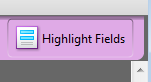
- Step 1: Turn on "Highlight Fields"
-
- Step 2: Add information in the first text field
-
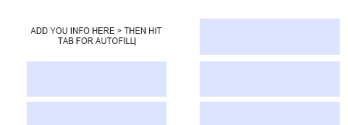
- Step 3: Hit "Tab" on your keyboard
-
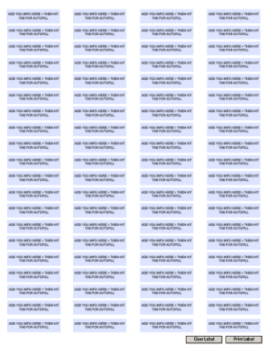
How to use Autofill for Logos
- Step 1: Click "Click here to add logo"
-
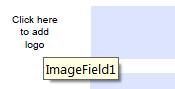
- Step 2: Choose your file
-
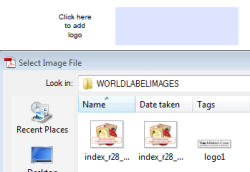
- Step 3: Hit "Select"
-

Address, Mailing & Shipping Labels
-
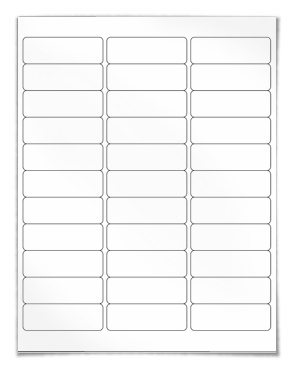
WL-875
- Address
- 2.625" x 1"
- 30 labels per sheet
- Avery®* 5160, 8160
Downloads
-
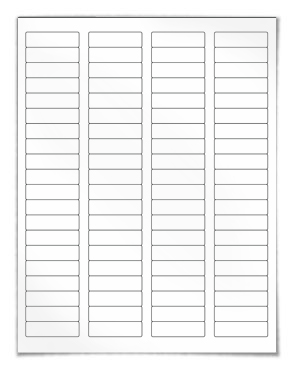
WL-25
- Address Return
- 1.75" x 0.5"
- 80 labels per sheet
- Avery®* 5167, 8167
Downloads
-
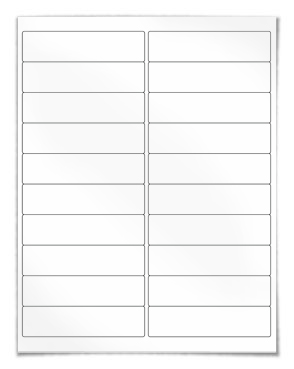
WL-75
- Address
- 4" x 1"
- 20 labels per sheet
- Avery®* 5161, 8161
Downloads
-
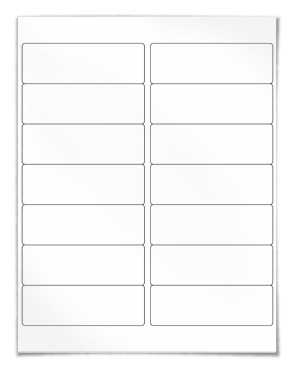
WL-100
- Mailing, Shipping
- 4" x 1.33"
- 14 labels per sheet
- Avery®* 5162, 8162
Downloads
-
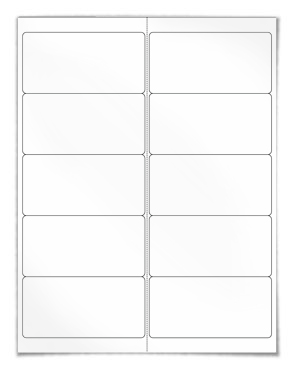
WL-125
- Mailing, Shipping
- 4" x 2"
- 10 labels per sheet
- Avery®* 5163, 8163
Downloads
-
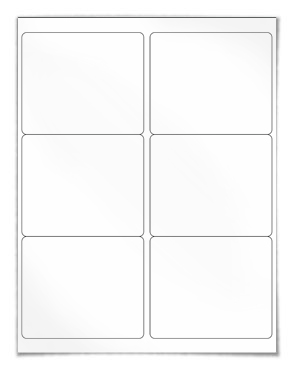
WL-150
- Shipping
- 4" x 3.33"
- 6 labels per sheet
- Avery®* 5164, 8164
Downloads
-
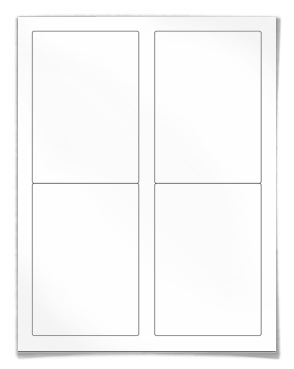
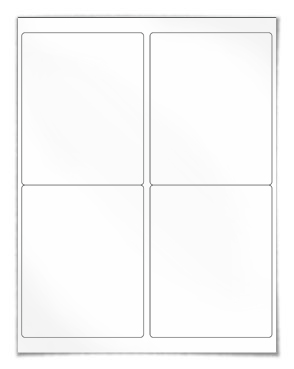
WL-5100
- Shipping
- 3.5" x 5"
- 4 labels per sheet
- Avery®* 5168, 8168
Downloads
-
WL-475
- Shipping
- 2.5" x 1.563"
- 18 labels per sheet
- Avery®* N/A
Downloads
-
WL-400
- Shipping, USPS
- 8.5" x 5.5"
- 2 labels per sheet
Downloads
Round & Oval Labels
-
WL-1025
- Mail seal, General
- 1" Circle
- 63 labels per sheet
- N/A
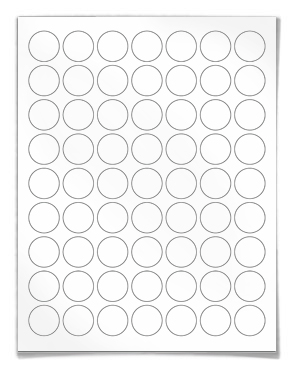
Downloads
-
WL-325
- Round, General
- 1.67" Circle
- 24 labels per sheet
- Avery®* 5293
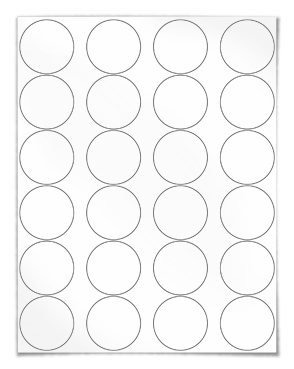
Downloads
-
WL-350
- Round, General
- 1.67" Circle
- 24 labels per sheet
- Avery®* 5294
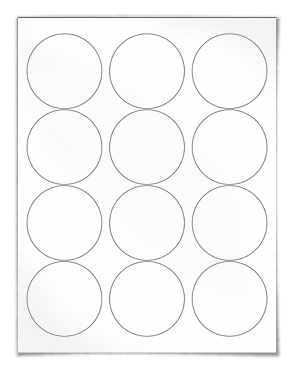
Downloads
-
WL-375
- Round, General
- 3.33" Circle
- 6 labels per sheet
- Avery®* 5295
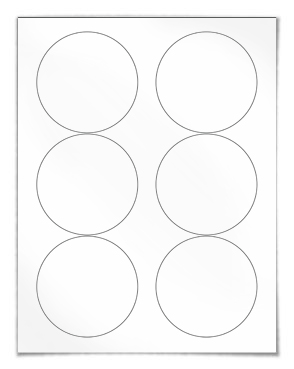
Downloads
CD Labels & Media
-
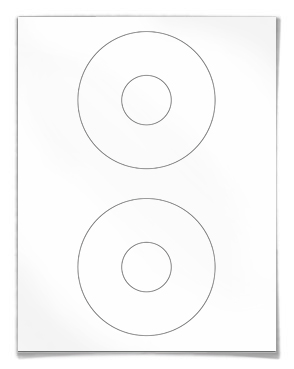
WL-1200
- CD/DVD Labels
- 4.5" CD
- 2 labels per sheet
- Avery®* 5824
Downloads
-
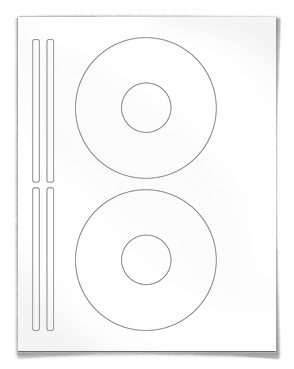
WL-5075
- CD/DVD Labels
- 4.62" CD
- 2 labels per sheet
- Avery®* 5931
Downloads
-
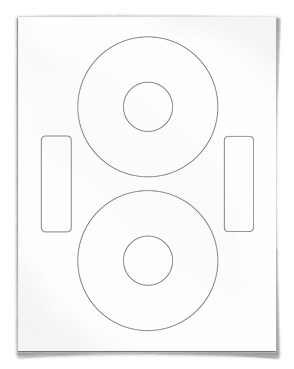
WL-5000
- CD/DVD Labels
- 4.59" CD
- 2 labels per sheet
- Neato*
Downloads
-
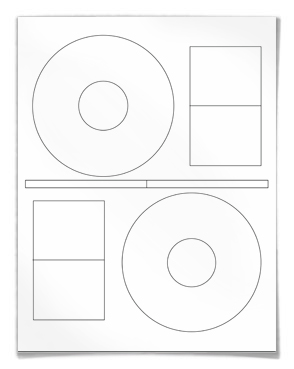
WL-5050
- CD/DVD Labels
- 4.64" CD
- 2 labels per sheet
- Stomper*
Downloads
-
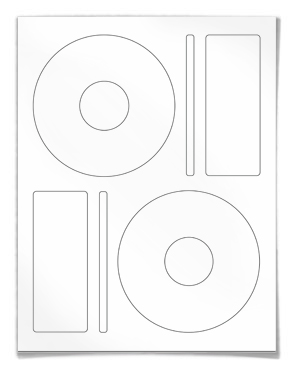
WL-5025
- CD/DVD Labels
- 4.65" CD
- 2 labels per sheet
- Memorex*
Downloads
-
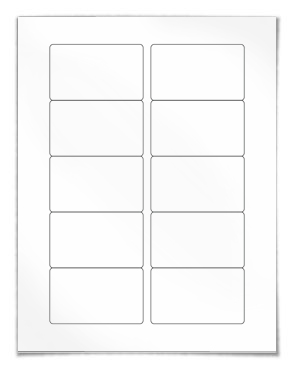
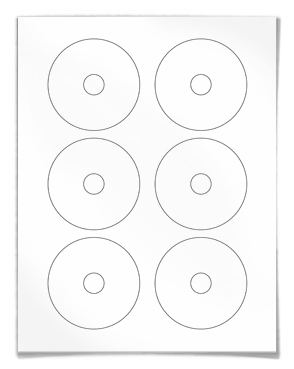
WL-1125
- VHS Tape Face
- 3.0625" x 1.8125"
- 10 labels per sheet
- Avery®*5199-F
Downloads
-
WL-1150
- VHS Tape Video Spine
- 5.8125" x 0.6875"
- 15 labels per sheet
- Avery®* 5199-S

Downloads
-
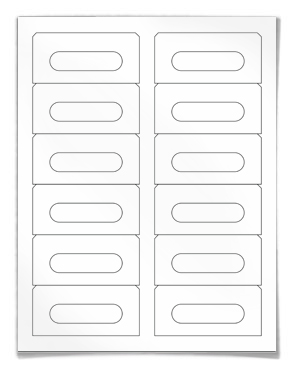
WL-275
- Audio Cassette
- N/A
- 12 labels per sheet
- Avery®* 5198, 8198
Downloads
-
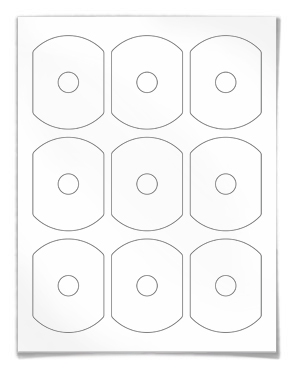
WL-5575
- Biz card CD/DVD
- Business Card CD
- 9 labels per sheet
Downloads
-
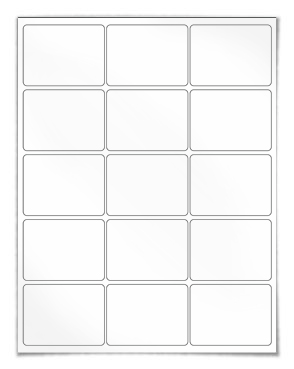
WL-775
- 3.5 Diskette Labels
- 2.675" x 2"
- 15 labels per sheet
Downloads
File Folder Labels
-
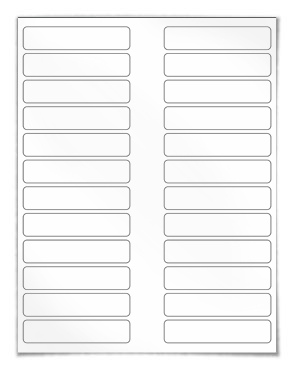
WL-850
- File Folder
- 3.5" x 0.75"
- 24 labels per sheet
- Avery®* NA
Downloads
-
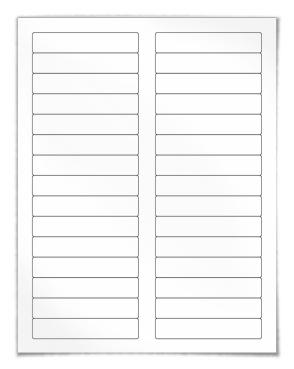
WL-200
- Address, Mailing
- 2.5" x 1.563"
- 18 labels per sheet
- Avery®* 5066, 5366, 8366
Downloads
Business Card
-
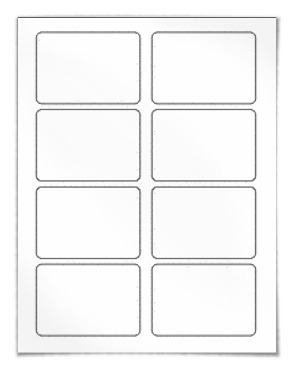
WL-5030
- Name Badge
- 3.375" x 2.3125"
- 8 labels per sheet
- Avery®* 5395
Downloads
Name Badge
-
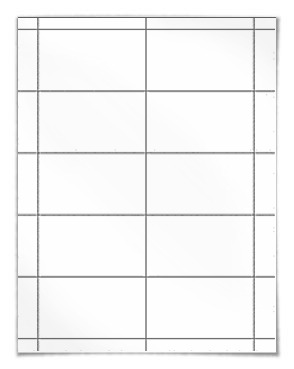
WL-244
- Business Card
- 3.5" x 2"
- 10 labels per sheet
- Avery®* 5371, 8371, 8871
Downloads
Buy Labels Online Direct From the Manufacturer and Save 25% to 85%
For free PDF Label Templates to be used as a guideline layer in graphic programs like Photoshop, Illustrator, Gimp, Indesign, Inkscape and others.